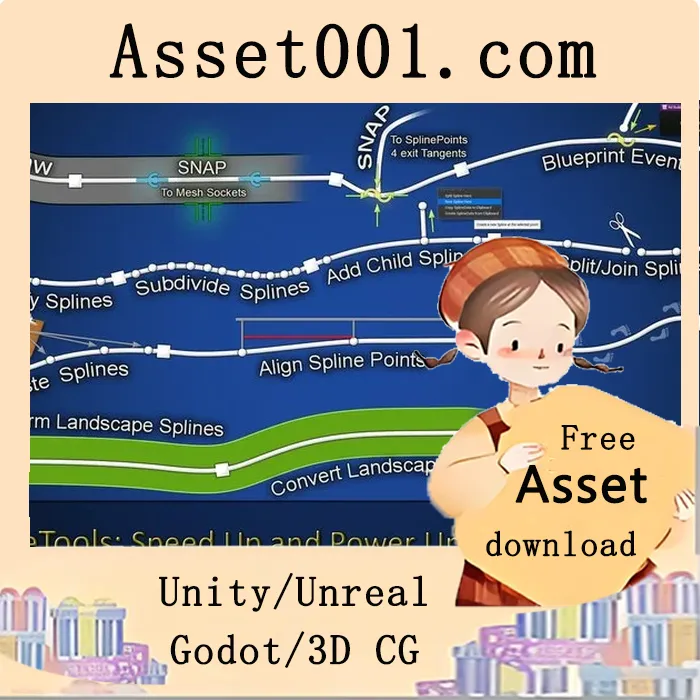
rdSplineTools is an Editor Plugin that speeds up the editing of splines in your Unreal Engine levels by huge amounts without the need to move to other forms of spline mesh creation. In UE5.1+ there are tools for Importing Landscape Splines to Blueprint Splines. In UE5.4+ there is a tool to Auto-draw the spline contents – either all the time or after a pause in dragging. It seamlessly splits splines into as many sub-splines as you wish – editing a sub-spline has no impact on other sub-splines unless their end points match, in which case the matching end point moves accordingly. You can also add new splines attached to the main spline (e.g., sub-roads at intersections etc). There is also SplinePoint and Socket snapping built-in. When dragging a spline point, it snaps to the closest spline point on the closest spline in the level, and/or the closest Sockets on Spline and Static Meshes. rdSplineTools displays highly visible icons at the snapping points making it easy to create 100% joins even from a long distance away. Another tool included provides the ability to copy all spline point data to the clipboard from where you can paste into a text file (or source file) as a backup. Then you can copy that back to the spline if you ever want to revert it. There are also tools for working with spline points – from aligning them to the ground, aligning surrounding points to the selected points Z, subdividing and simplifying spline points and converting landscape splines to BP splines (experimental). Home Page: https://www.fab.com/listings/84ca3acb-20f0-4ec8-a0ec-37711c2b4e6a
Download Source 1