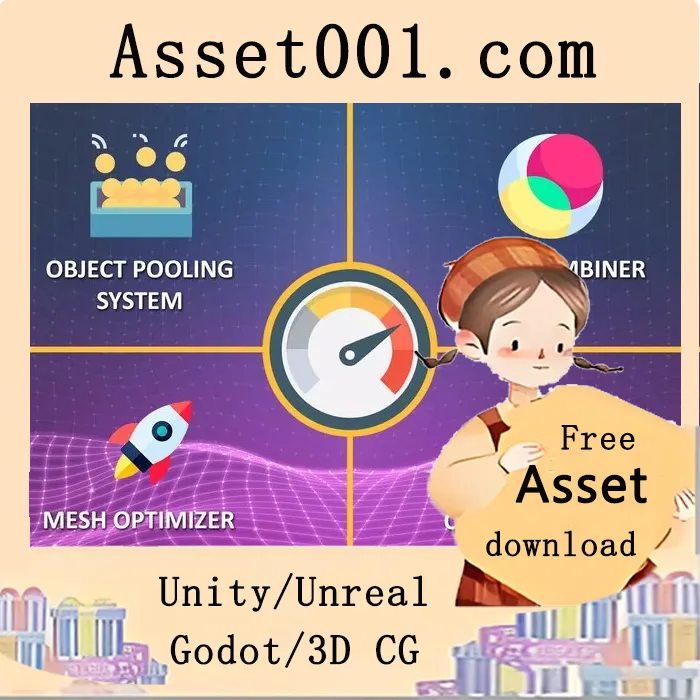
Introduction to 4 Optimization Tools in 1: Mesh Combiner, Baker, Mesh Optimizer, and Object Pooling (v1.5)
This game resource pack offers a comprehensive suite of four easy-to-use optimization tools designed to enhance performance in both mobile and PC/console games. By reducing memory usage and improving frame rates, the tools help prevent memory leaks and improve game stability.
The four tools included are:
1. Easy Object Pooler: Reuses game objects such as bullets, enemies, zombies, allies, and soldiers to reduce object instantiation and garbage collection, improving performance and reducing memory consumption.
2. Easy Mesh Combiner: Combines multiple meshes with their associated materials into a single mesh in just a few clicks, reducing draw calls and improving rendering efficiency.
3. Easy Object Activator by Distance: Deactivates objects that are beyond a set distance from the player or camera, and reactivates them when they re-enter the specified range, optimizing scene object management and reducing unnecessary processing.
4. Easy Mesh Optimizer: Reduces the number of triangles and vertices in mesh components by applying preset optimization levels. Simply assign the component to a mesh with a Mesh Filter, set the optimization level, and click “Optimize the Mesh” in the Editor to reduce polygon count and improve performance.
Simply import the package and use the provided prefabs to integrate these tools into your game. The result is a noticeable increase in frame rate and improved stability, especially in memory-intensive scenes.
Available on the Unity Asset Store: https://assetstore.unity.com/packages/tools/utilities/4-optimization-tools-in-1-mesh-combiner-baker-mesh-optimizer-obj-236754
4 Optimization Tools in 1: Mesh Combiner Baker + Mesh Optimizer + Object Pooling v1.5