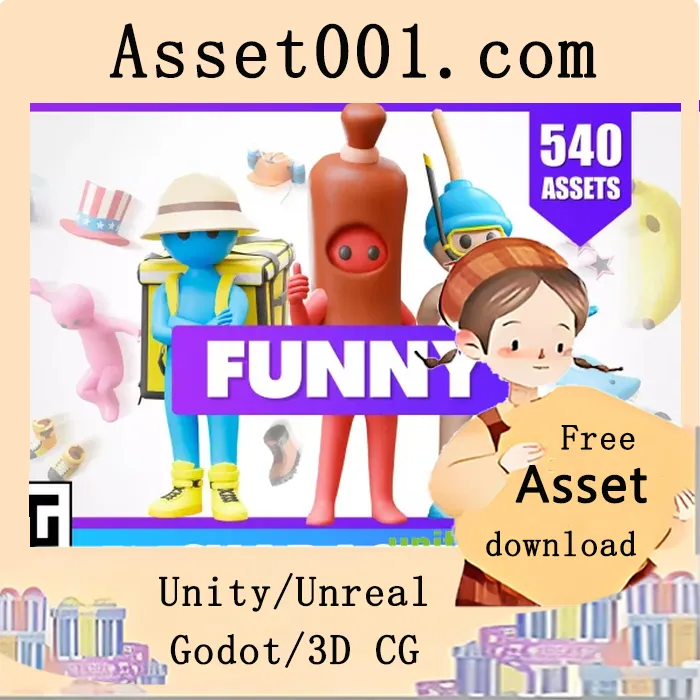
Funny Characters – Low Poly Asset Pack by ithappy
Funny Characters is a low-poly 3D model pack that allows you to create your own unique, funny, and memorable combinations. With an easy-to-use navigation system, you can quickly browse through all the assets and select the ones you need, or generate a random model by simply choosing the desired categories, such as glasses, hat, gloves, or backpack. Try it out and have fun!
Key Features:
● 540 assets that can be combined with each other, allowing you to create a huge number of unique characters. All assets are compatible with all animations.
● Ready-made character animations. The list of animations is given below.
● Models have a Humanoid-type skeleton for Unity. Models support the skeleton type for “Mixamo,” which allows you to import and use any animations.
● Models are optimized for game engines, easily editable and customizable. You can also use them for animations, advertising and marketing, VR/AR, 3D printing.
● Regular updates and support. We aim to improve this package, add new resources, and constantly enhance its content.
Customization Tool:
● Convenient navigation. With this tool, which comes with the pack, you can conveniently browse assets by categories such as glasses, hat, pants, shoes, and more. This way, with the wide variety of assets and easy navigation, you can easily achieve the result you need.
● Random generation. If you don’t have specific requirements, we offer a great solution: random character generation. You can press a button and get new models each time! They turn out very funny and interesting. If needed, you can disable categories you don’t need: make a character with gloves, pants, a hat, and that’s all. Our tool allows you to do all that.
● Instructions. The instruction inside the file clearly demonstrates the functionality of all buttons.


