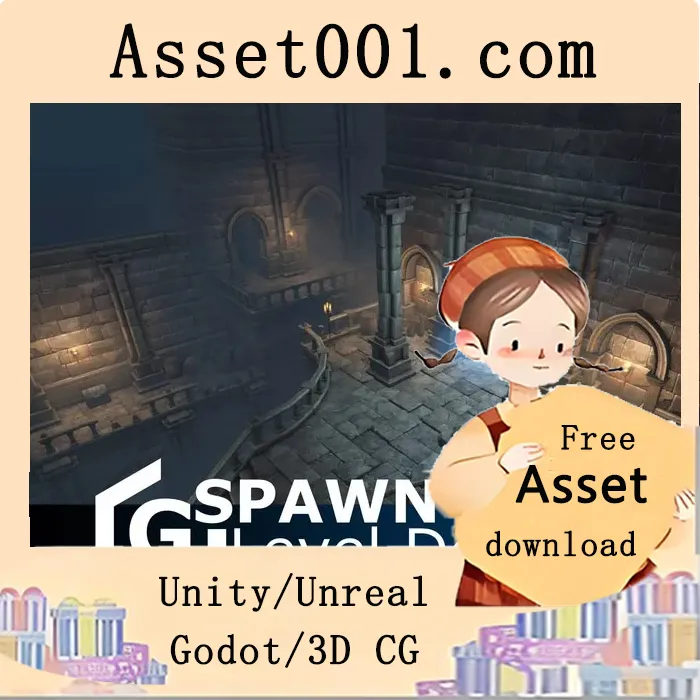
GSpawn is a powerful level design plugin for Unity. Snap, scatter, paint, and build modular environments directly in the Scene view with smart tools and fast, intuitive controls. The Ultimate Level Design Toolkit for Unity. GSpawn is a powerful, intuitive, and fully-featured level design plugin built for the Unity Editor. Whether you're prototyping modular environments or populating vast worlds with props, GSpawn – Level Designer gives you the tools you need to create with speed and precision — all directly inside the Scene view. GSpawn takes the tedium out of level design by combining powerful features with a streamlined interface. Ideal for indie devs, studios, and level artists. 🔧 Key Features of GSpawn – Level Designer. 🧱 Smart Modular Tools. • 3D Tile Rules – Intelligent tile placement with support for ramps and platforms. • Modular Wall Builder – Auto-detects inner/outer corners, includes pillar support. • Extrude Gizmo – Instantly extend walls, floors, or tiles with intuitive controls. • Mirroring System – Mirror across up to 3 planes simultaneously for symmetrical level design. 🖱️ Intuitive Placement & Editing. • Curve Spawning – Spawn along editable curves for fences, roads, tree lines, and more. • Grid Snapping – XZ and vertical snapping, auto climb, cursor-aligned grid, adjustable cell sizes. • Props Placement – Axis alignment, embed on surfaces, drag spawn, prefab randomization, offset, scale, and rotation control. • Scatter Brush – Rapidly place randomized prefabs with control over density, slope checks, alignment, and spawn chance. 🎮 Physics & Interaction Tools. • Physics-Based Spawning – Drop objects with real-time or instant physics, including height, radius, and rotation jitter. • Rotate & Scale – Rotate and scale objects directly using mouse or keyboard shortcuts. • Erase Tools – Use the erase cursor or 2D/3D brush to remove items with precision. 📦 Prefab & Scene Organization. • Prefab Management – Organize into libraries, use search, filters, library profiles, and drag/drop. • Prefab Replacement – Instantly swap instances in the scene with new prefabs. • Object Groups – Organize scene elements into logical groups for easier management. 🧰 Advanced Tools & Utilities. • Tile Tools (Segment & Box Spawn) – Integer pattern tiles, fill and height modes, terrain projection, overlap detection. • Selection Tools – Rectangle, box, and segment selections for bulk editing. • Transform Gizmos – Move, rotate, scale, and universal gizmos for precise control. • Custom Shortcuts – Fully configurable hotkeys for faster workflows. Info: https://assetstore.unity.com/packages/tools/level-design/gspawn-level-designer-45021
2025-09-24 00:00:00-update version:GSpawn - Level Designer PRO v3.4.2



