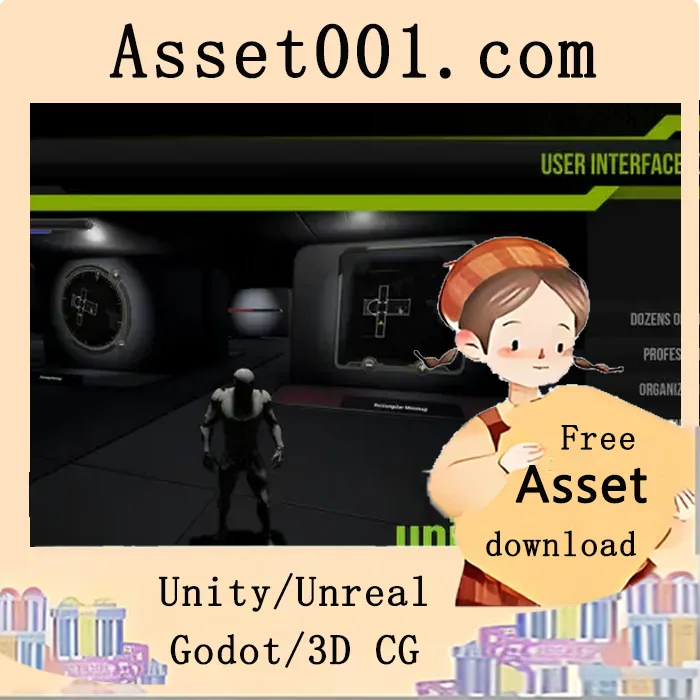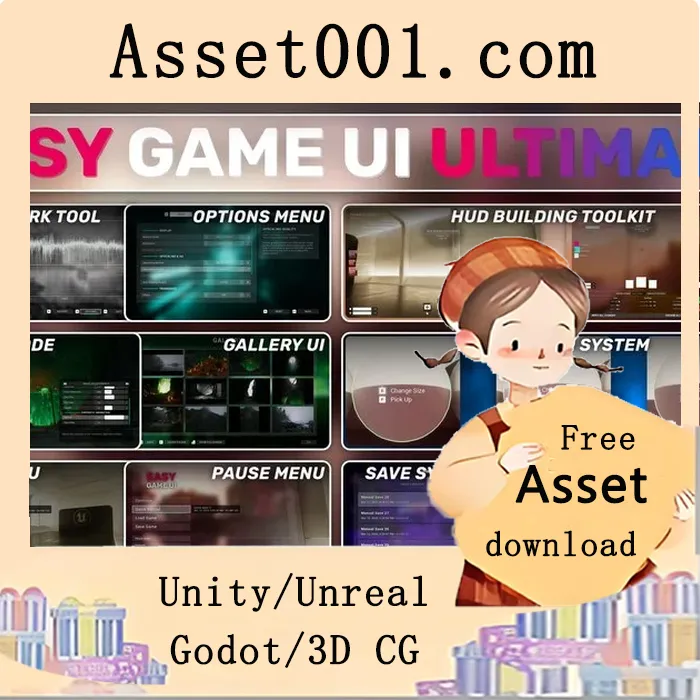
Easy Game UI Ultimate 5.3+ is a comprehensive and easy-to-use UI framework designed to quickly integrate a full suite of UI systems into your game. It includes a main menu, pause menu, options menu, an advanced save game system, photo mode, and additional features such as a game benchmarking tool and a procedural game credits system. The pack offers an advanced HUD building tool and a powerful interaction system.
Key features include:
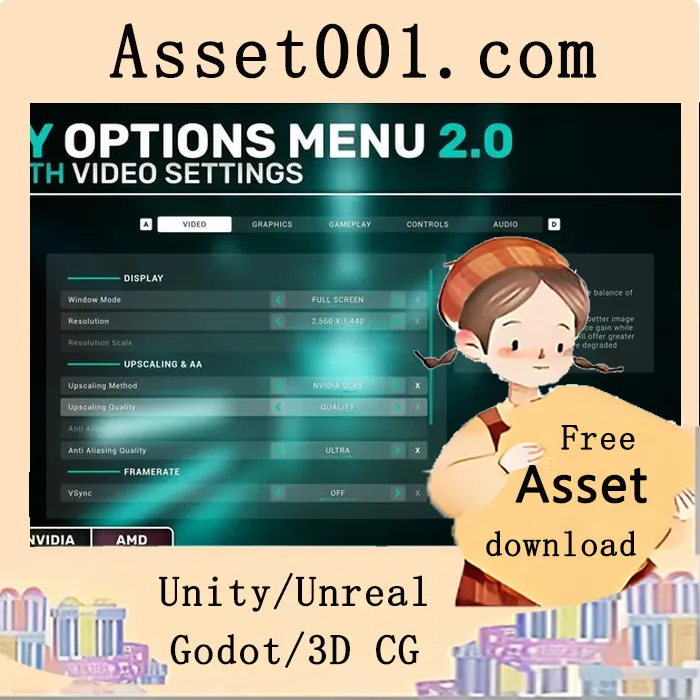
- An extensive and high-quality options menu with in-depth video and graphics settings supporting external upscaling technologies (DLSS, FSR, XeSS), an extensive key rebinding system for both gamepad and mouse/keyboard, and a detailed game benchmarking tool for developers and players. Custom settings can be saved and loaded using the built-in JSON plugin.
- A powerful HUD building toolkit featuring a Contexts and Modules system that adapts to gameplay states, an in-engine tool for managing contexts and modules, and 11 advanced built-in modules for common HUD elements such as quests, weapons, health, and alerts.
- An advanced save game UI and system that automatically displays multiple save slots, handles thumbnails, dates, playtime, and versioning, supports saving and loading of actors and their variables, and includes four save types: Auto Saves, Manual Saves, Quick Saves, and Checkpoint Saves.
- A complete photo mode and gallery with a free camera perspective, high-quality controls, and extensive camera and image settings. The gallery allows players to view all captured screenshots directly in-game.
- A procedural game credits system that enables easy definition of credits using data tables and contexts, supports image and text display with deep customization, and automatically generates necessary widgets without manual text entry.
- A versatile interaction system supporting tap, hold, and mash inputs, with the ability to combine interactions and a highly customizable interaction widget system.
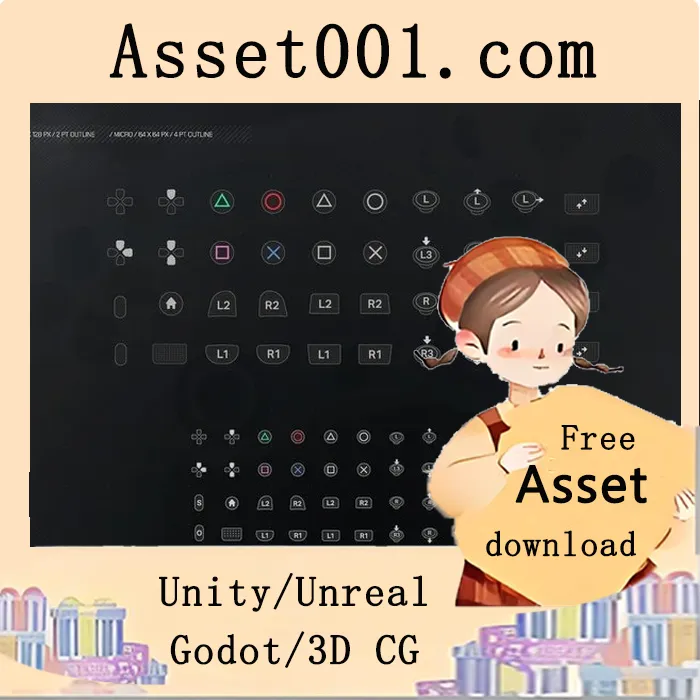
- A dynamic input prompts system that supports all keys from Unreal Engine (keyboard, mouse, and three types of gamepads), includes dedicated icons, and dynamically detects device changes and input rebinding.
Additional features include a main menu with 3D placement and multiple camera angles, a pause menu that natively includes photo mode, options, save systems, and credits, seamless UI navigation via gamepad, keyboard, or mouse using UMG, modular widgets for reusability and custom UI expansion, and full localization support with a built-in French translation.
The resource pack is easy to integrate with minimal setup and offers full customization through data assets, allowing developers to tailor all systems and menu styles to their project’s needs.
2025-12-22 00:00:00-update version:Easy Game UI Ultimate 5.3+