Home Game Dev Unreal Assets Unreal Engine Props TV Set v5.0+

TV Set v5.0+

551 Views Stock 991 2026-02-13

Details
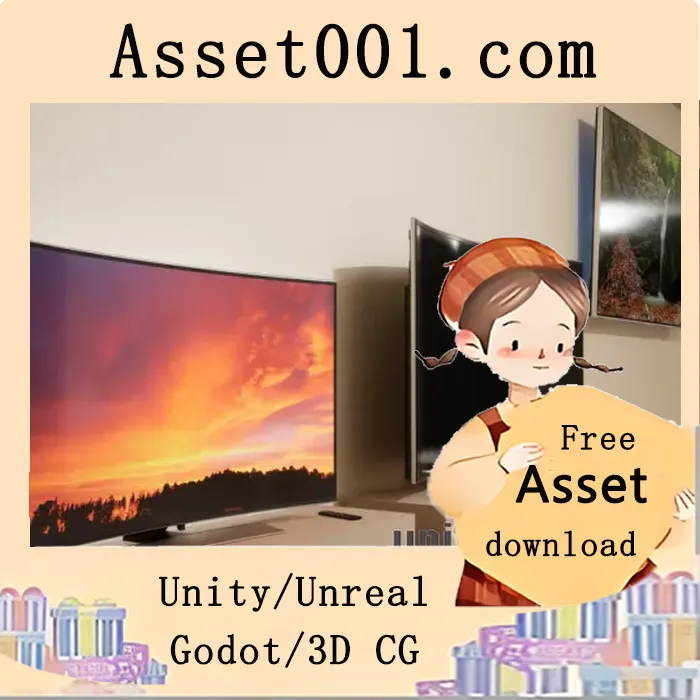
 TV Set Pack allows you to add a working TV set to your game or interior. The TV can display one of predefined or custom pictures or videos. The pack includes: - A customizable TV blueprint - 24 meshes (4 different TV set bodies, 6 TV sets with base, 4 TV sets with wall mount, 2 remotes, 1 soundbar, 6 bases, 1 wall mount) - 7 metal and 9 plastic materials (to change the appearance of some TV parts) - 15 pictures to be displayed on screen - A video with sound playback - 2 videos to be played on screen (Velocity Cars Ad and City Timelapse, 720p MP4, no sound) - Turn OFF, Turn ON, and Toggle ON/OFF events for easy TV control - A simple demo map Video playback is supported by the TV Set blueprint in UE5.1+. To add your own video, drag and drop the video file into UE. A File Media Source will be created. Select this Media Source in the TV blueprint to start playback. Video files must be placed in the Content/Movies folder if you want to package the game with videos. When adding the TV Set to your project, two .mp4 files are located in Content/TV_Set/Movies. Open the folder in Explorer and drag these files into your Content Browser to make them work, or delete them if not needed. For better video playback stability, go to Project Settings > Plugins > WMF Media and enable all three media checkboxes. 
2026-02-13 00:00:00-update version:TV Set v5.0+