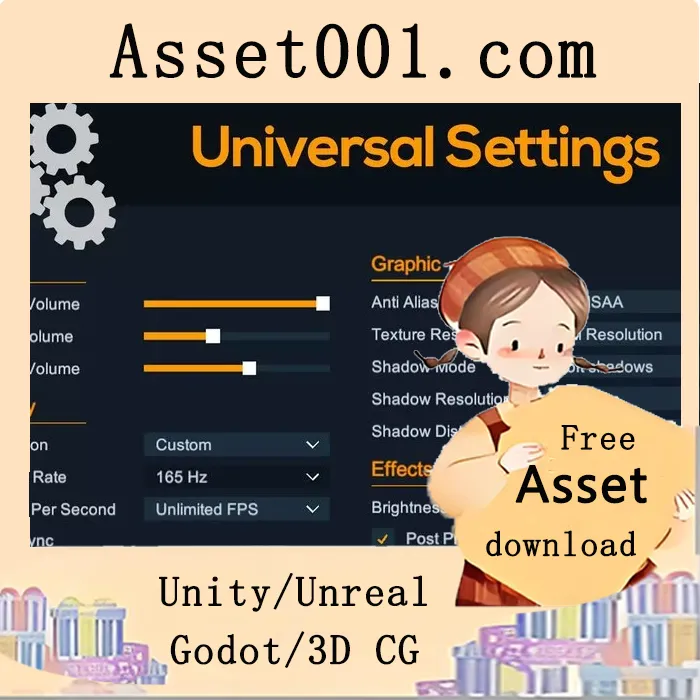
Universal Settings v1.0.1 is a comprehensive game configuration system for Unity that enables players to adjust settings in Display, Graphics, Effects, and Sound. It offers a fully customizable UI using Unity's Slider, Toggle, and Dropdown components (supporting TextMeshPro or Legacy). Settings are automatically saved via Unity's PlayerPrefs. The resource pack supports enabling or disabling post-processing effects and renderer features through Toggle components. Users can create multiple Settings Profiles, define default values, and implement a quality selector using the Quality Settings Dropdown. Custom configurations are supported with dedicated components: Custom Boolean Toggle, Custom Float Slider, and Custom Integer Dropdown, allowing developers to implement features such as turning blood on/off, adjusting mouse sensitivity, or selecting a microphone device. The Audio Mixer Volume Slider enables players to independently control music, sound effects, and voice chat volumes. The package includes 23 UI components, covering Quality Settings, Display (including FPS, Fullscreen, Refresh Rate, Resolution, and Vsync), Graphics (Anti-Aliasing, Shadow Distance, Shadow Mode, Shadow Resolution, Texture Resolution), Effects (Brightness, Post Processing Effects, Post Processing, and URP-specific Renderer Features), Sound (Audio Mixer Volume, Master Volume), and Custom controls (Boolean Toggle, Float Slider, Integer Dropdown), along with Apply, Reset, and Undo buttons.
2026-02-27 00:00:00-update version:Universal Settings v1.0.1



