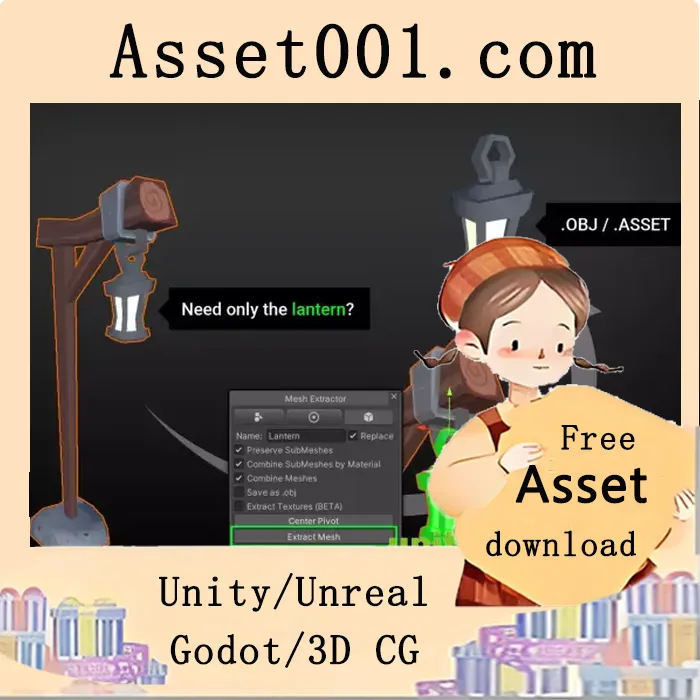
Mesh Extractor - Separate meshes, materials and textures v1.3.0 allows you to quickly split 3D models into usable components. Simply draw on the mesh and click "Extract Mesh" to generate a ready-to-use prefab with sliced textures and remapped UVs. The tool supports material-based separation and sub-mesh handling, allowing you to preserve or merge sub-meshes by index or material. A pivot modifier lets you freely choose and snap the pivot to any vertex. Skinned meshes are baked into their current pose and exported as static meshes, retaining bone data and bone weights with bind poses. Blend shapes are also included in the exported prefab, though OBJ files cannot store blend shape information due to format limitations. The tool supports multiple objects, enabling extraction from several meshes and export as separate files or combined into a single mesh. Export options include .obj and .mtl files, suitable for use in Blender, Maya, or Max, though OBJ files do not support multiple UV sets. Textures are automatically generated based on common property names like '_MainTex' or '_BaseMap', with UV remapping applied; custom shader properties can be added via MaterialPropertyExtensions.cs. The tool has been tested with high-poly meshes, though performance may degrade with models over 100,000 triangles, and models above 200,000 polygons are not officially supported. The workflow is non-destructive—original assets remain unchanged. Selections support undo/redo functionality. Full source code is provided, allowing developers to understand and modify the tool. The plugin is compatible with Unity 2020, 2021, 2022, 2023, and later LTS versions.
2026-03-06 00:00:00-update version:Mesh Extractor - Separate meshes, materials and textures v1.3.0