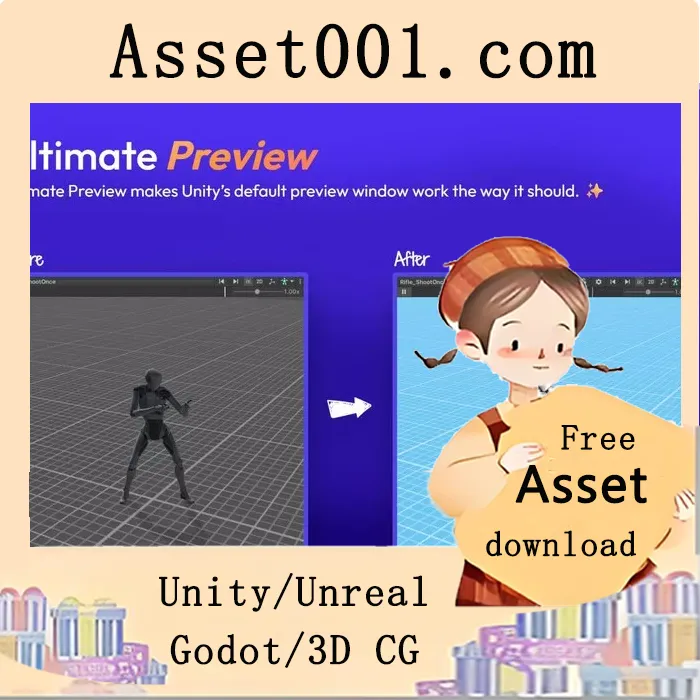
Ultimate Preview Window – Pro Edition v1.3.2 (07 Mar 2026) enhances Unity’s default preview window with support for UI, Particle Systems, VFX, animations, and 3D models. It introduces automatic animation playback, improved lighting, and precise camera control for a more intuitive and efficient workflow. The update adds preview capabilities for UI elements, particle systems, and VFX graphs directly within the editor. It improves visibility through customizable lighting and skybox options, automatically plays selected AnimationClips without manual input, and preserves camera position and angle when switching between animation clips. Sprites and UI elements now face the camera correctly, and the default grid in 2D sprite previews is removed for a cleaner view. Users can customize camera settings, floor appearance, background color, and lighting parameters. The tool includes a toolbar with controls for playback, lighting, camera rotation, and scene adjustments, and supports keyboard shortcuts for faster navigation. Fully customizable, the preview window allows users to tailor the interface and default settings to their workflow. Compatible with Odin Inspector, Ultimate Editor Enhancer, vInspector 2, and Wingman Inspector. Supported on Unity 2022, 2023, and 6; Unity 2021 (2021.2.0f1 or newer) and Unity 2020 (2020.3.20f1 or newer). Source code is not included.
2026-03-12 00:00:00-update version:Ultimate Preview Window – Pro Edition v1.3.2 (07 Mar 2026)