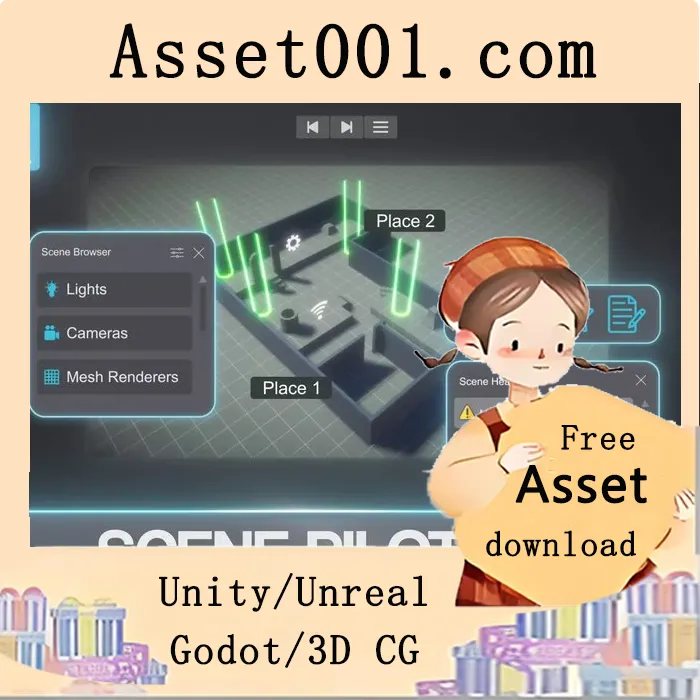
Scene Pilot Pro v1.0.3 (25 Mar 2026) introduces a comprehensive suite of tools to enhance scene management and development efficiency in Unity.
The Health Scanner performs 60+ automated checks across objects, materials, meshes, and textures, providing a clear health score from 0 to 100. It detects issues such as missing components, shader errors, duplicate materials, raycast waste, texture memory issues, physics setup flaws, and LOD coverage problems. Users can auto-fix or batch-fix detected issues with a single click. Flagged objects are visually highlighted in the Scene View with colored markers. Results can be exported to CSV or text for team review, with configurable thresholds and per-check disable options. A custom check template allows users to create their own checks without registration.
The Browse Window enables efficient navigation of large scenes by organizing GameObjects by component type, tag, layer, distance, or material. It supports smart focus—double-clicking an object moves the camera to the best unoccluded view—and advanced filtering with 30+ properties using AND/OR logic. Custom groups and favorites allow personalized scene organization, with smart groups that auto-update based on filter criteria. Ten search modes are available, including filtering by name, component, material, shader, layer, tag, texture, mesh, static flags, or active state. Multi-select with Ctrl+click or Shift+click enables bulk visibility and pickability toggles.
Object Notes let developers add context directly to GameObjects, with categories such as General, Gameplay, Art, and Bug—customizable to suit project needs. Notes are color-coded and prioritized. They can be added via the Hierarchy right-click menu or the Notes window, viewed in a sortable list or compact icon grid, and opened as floating sticky notes in the Scene View. Notes are saved per scene in ProjectSettings and can be version-controlled and shared across teams.
The Places feature allows saving up to 20 camera viewpoints per scene with thumbnail previews. The first nine bookmarks can be quickly accessed using keyboard shortcuts (Alt+Shift+1–9 to save, Alt+1–9 to recall), with the ability to rename for clarity (e.g., "Boss Arena", "Start Zone"). Bookmarks can be viewed in grid or list format.
Mini Viewports provide up to four independent windows for monitoring scenes from multiple angles. Each viewport supports seven preset angles (Top, Bottom, Front, Back, Left, Right, Free), orbiting, panning, and zooming, pinning to a selected object for follow functionality, and toggling between perspective and orthographic modes. Wireframe mode, edge snapping, and layout presets are also available.
The Screenshot Tool captures the Scene View or Game View without entering Play mode. Users can choose between PNG (lossless) and JPG (with quality control), set resolution from 50% to 200% or custom dimensions up to 8192px, add timestamps or sequential suffixes, and include optional countdown delays for setup.
Selection History includes back and forward navigation in the main toolbar, storing up to 50 selections per session—similar to browser navigation.
Scene Pilot Pro is editor-only, with no impact on builds or runtime scripts. It supports all pipelines—including Built-in, URP, and HDRP—with automatic detection. Team collaboration is supported through version-controlled notes, bookmarks, and health reports. The tool is extensible, allowing custom health checks to be created and integrated automatically. With a minimal 8ms per-frame scan budget, it remains lightweight and responsive even in large scenes.
More information: https://assetstore.unity.com/packages/tools/utilities/scene-pilot-pro-369406



