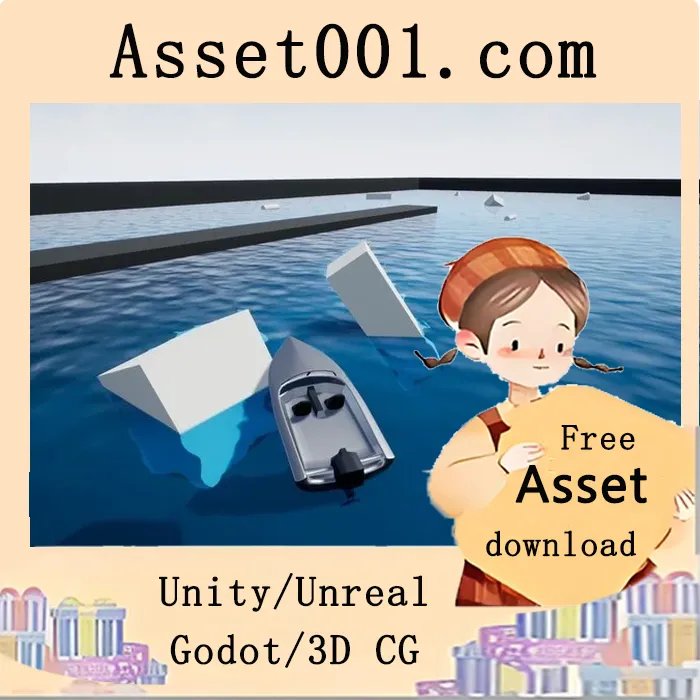
Experience fully interactive water and ocean for swimming above and below the surface, plus an advanced, customizable water and ocean Shader! Example Maps are included!
New Features/Functions:
• Ocean Shader
• Endless Ocean Shader Functionality
• Custom Ocean Tessellation for great performance
• Ocean buoyancy for Non Skeletal Meshes
• Ocean buoyancy for Skeletal Meshes including characters
• Swimming in the Ocean
• Character Ragdoll buoyancy
• Highly customizable Ocean Shader with tons of parameters to change
• Using Intel Open Source HLSL Code for simulating ocean waves
Features/Functions:
• Redesigned Water Shader
• Realistic Water Refraction
• Custom Tessellation method added
• Underwater Lightshafts
• Underwater Particles
• Oxygen Tank [Equip On/Off]
• Depth-Based Post Process Volume (Darker when deeper water)
• New method for scaling the water plane
• Overall bug fixes and improvements
• Full Swimming Functionality
• Underwater swimming - Slow and Fast
• Craw - Fast swimming
• Slow swimming
• Suffocate Function
• Realistic Splashes while swimming
• Shallow waters will slow down your character movement
• Water Sounds
• Idle swimming status with up/down parameters for better realism
• Dive Functionality
• Waves Generated Behind Your Character
• Caustics On/Off Function
• Spline Based Rivers Creation
• Rivers Flow • Splashes when you Jump Into the water
• Splashes when your character is moving in the water
• 1 Point Floating Body
• 4 Points Floating Body
• 8 Points Floating Body
• Custom/Manual Points for complex Floating Bodies
• Waves effect is created behind moving/animated objects inside the water
• Splashes when you generate bullet or throw object inside the water
• All the Floating bodies are physical accurate and tweakable
• Example Map
• Master Material with Tools Preset
• Oxygen Bar - when your head is underwater you will start using oxygen.
• Suffocation - once you suffocate a rigid body will be spawned which will physically react to river flow, objects and more.
• Screen Space Reflections are Turned On in the Master Material. If you want them off just click the checkbox in your Master Material.
• Tool [Flowers On/Off]
• Tool [Foam On/Off]
• Tool [Leaves On/Off]
• Tool [Rain On/Off]
• Tool [Refraction On/Off]
• Tool [Ripples On/Off]
• Tool [Waves On/Off]
• Main Material Functions [Water Color 1 - Choose with color pick]
• Main Material Functions [Water Color 2 - Choose with color pick]
• Main Material Functions [Color Contrast - float value based]
• Main Material Functions [Color Depth - float value based]
• Main Material Functions [Water Roughness - float value based]
• Main Material Functions [Shoreline Fade - float value based]
• Main Material Functions [Metallic - float value based]
• Main Material Functions [Fake Refraction Intensity - float value based]
• Main Material Functions [Opacity - float value based]
• Main Material Functions [Wave Normal Map - Normal Map Texture based]
• Wave Functions [Wave Intensity - float value based]
• Wave Functions [Wave Size - float value based]
• Wave Functions [Wave Speed - float value based]
• Wave Functions [Flow Speed - float value based]
• Wave Functions [Wave Texture Map - Normal Map Texture based]
• Foam Functions [Foam 1 or 2? - bool value based]
• Foam Functions [Foam Color - Choose with color pick]
• Foam Functions [Foam Fade - float value based]
• Foam Functions [Foam Opacity - float value based]
• Foam Functions [Foam Radius - float value based]
• Foam Functions [Foam Speed - float value based]