Home Game Dev Unity Assets Unity Tools Animation to Sprite Sheet - Export animations into 2D sprite sheets easily v1.0|Animation to Sprite Sheet - Export animations into 2D sprite sheets easily v1.0

Animation to Sprite Sheet - Export animations into 2D sprite sheets easily v1.0|Animation to Sprite Sheet - Export animations into 2D sprite sheets easily v1.0

946 Views Stock 914 2026-04-21

Details
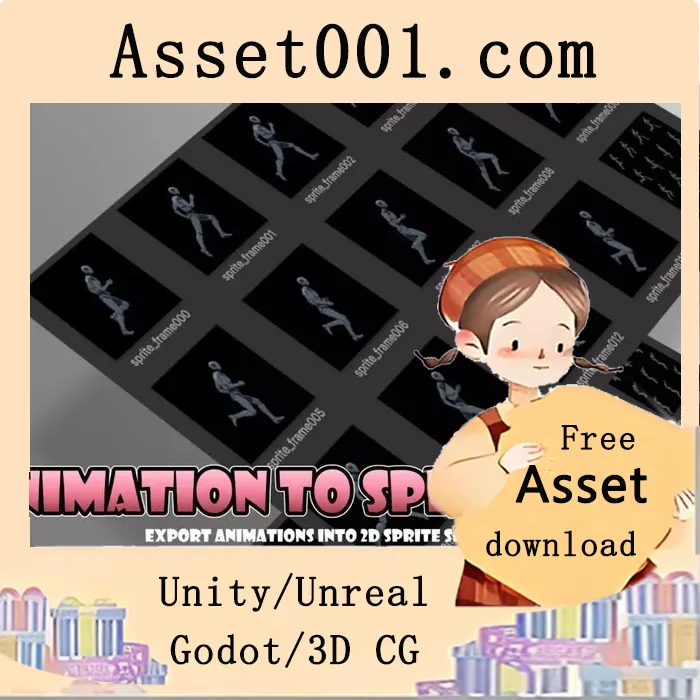
 Turn any 3D animation into crisp 2D sprites—at your chosen angles and FPS. This asset captures your 3D model’s animation from the angle(s) you specify, samples frames at your selected FPS, and exports them as PNG images with an optional combined sprite sheet. Perfect for building sprite assets for 2D games. 1. Import the package. 2. Open Zuppy > AnimationToSpriteSheet > _ScannerAnimation. 3. Under Target, add the character you want to convert as a child object. 4. Press Play, then click Generate. Configure the animation clip, angles, resolution, etc. via the SpriteSheetGenerator component in the Hierarchy. That’s it—go turn your ideas into sprites! The _ScannerAnimation scene captures animation from a specified angle at set FPS intervals, making it ideal for creating sprites of actions like running, walking, jumping, and falling. It is the primary scene for converting 3D animations into 2D sprite sheets.



