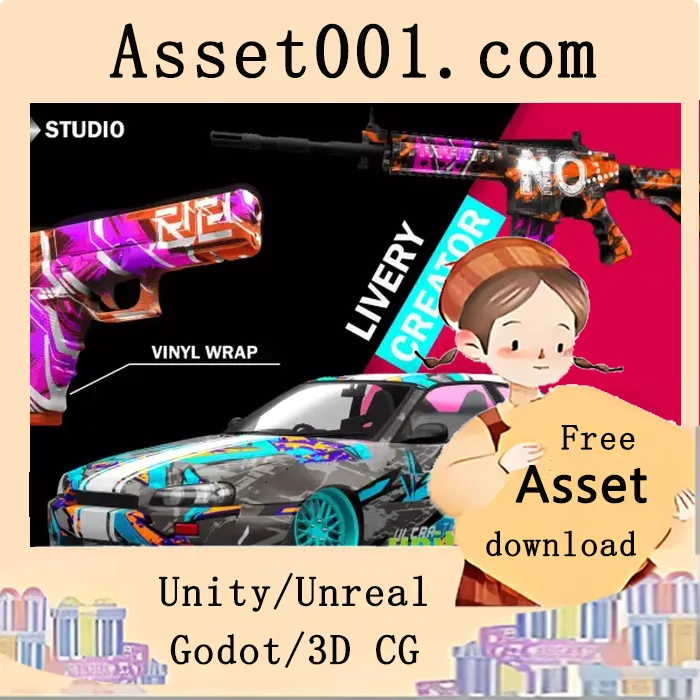
Studio Livery Creator v1.2 is a professional-grade tool designed to simplify the process of painting decals on GameObjects directly within Unity. Built for product designers, texture artists, and game developers, it enables intuitive and efficient livery creation with full C# source code and example scenes included. The package features 6 UV-specific models and over 150 stickers, vectors, and shapes.
Key features include:
- Create unique liveries using the all-new Studio Livery Creator
- Decal system with undo functionality and real-time paint changes
- Real-time texture saving via editor scripts
- Modern Canvas-style interface for easy vehicle editing
- Support for any object, provided it is UV unwrapped and has a mesh collider
- Pan, zoom, and rotate controls for precise manipulation
- Orthographic mode for accurate design
- Axis snapping using numeric keys 1, 2, and 3
- URP (Universal Render Pipeline) compatibility
The tool includes:
- 2 vehicle models
- 2 firearm models
- 1 sneaker model
- 1 shirt model
- 6 studio environment scenes (with baked lighting)
- 100+ decals
Default texture size for the MainBody is 2048x2048, and this can be adjusted via code. All sprites and stickers are developed by AiKodex, with ongoing updates planned.
Performance is optimized for high frame rates, achieving over 150 FPS when rendering a million-polygon megascan city background in a glass building interior scene, including the livery system.
Important notes:
- Painting requires proper UV unwrapping; seams may appear if UV quality is insufficient
- Mirroring is only available in the Simple Livery Creator
- Texture saving via editor scripts does not work in builds; use StreamingAssets or similar
- The city background is not included in the main asset
- The last screenshot showcases a custom livery created by AiKodex, but the vehicle model used is not included in the asset pack.