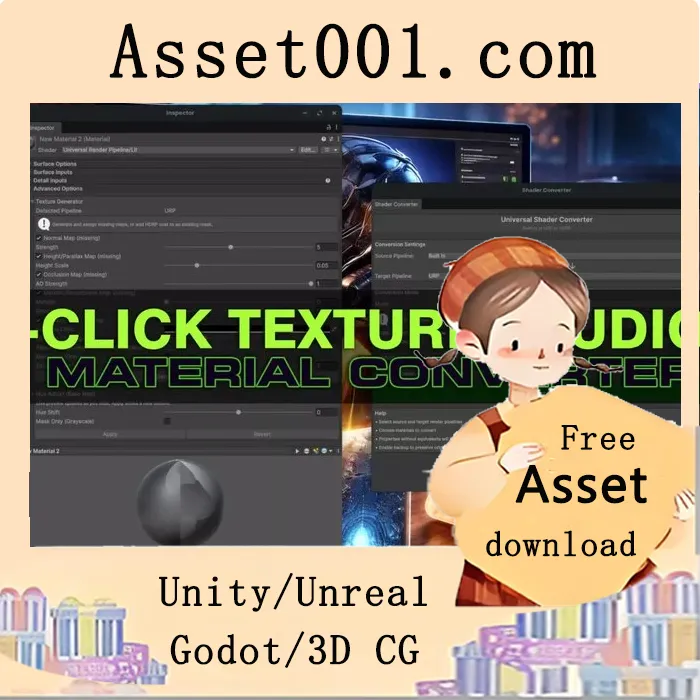
1-Click Texture Studio & Material Converter & Resize v1.0.8 (02 May 2026) is a context-aware, no-AI texture generation and material conversion tool designed for Unity. It generates missing texture maps—such as normal, mask, metallic, smoothness, occlusion, emission, coat, and detail—from a single existing base color map, automatically assigning them to correct shader slots. The tool supports pipeline-aware generation for Built-in, URP, HDRP, and Custom Shaders, enabling bidirectional material conversion with safe property mapping and intelligent fallbacks.
It includes smart emission map generation using a Dual-Hist algorithm that analyzes chroma and luminance to detect emissive areas, offering full emissive maps or grayscale masks with edge feathering. Detail maps are generated via a Difference-of-Gaussians (DoG) approach to extract micro-structure while minimizing noise. Coat masks are derived from luminance with adjustable coverage and feathering, and are automatically written to HDRP Mask Map B when applicable, enabling coat functionality without manual painting.
The tool also supports hue shift for recoloring base maps directly in Unity’s inspector with live preview and automatic import settings. Texture generation can be performed standalone or during pipeline conversion, with batch support and conservative behavior to avoid adding unnecessary textures. Material conversion supports all standard shaders across pipelines and includes optional backups, logging, and batch modes (selected, folder, or entire project).
Use cases include seamless migration between Unity pipelines, rapid prototyping with placeholder maps, and moving assets between pipelines or third-party models with immediately usable materials—all without leaving the Unity editor.



