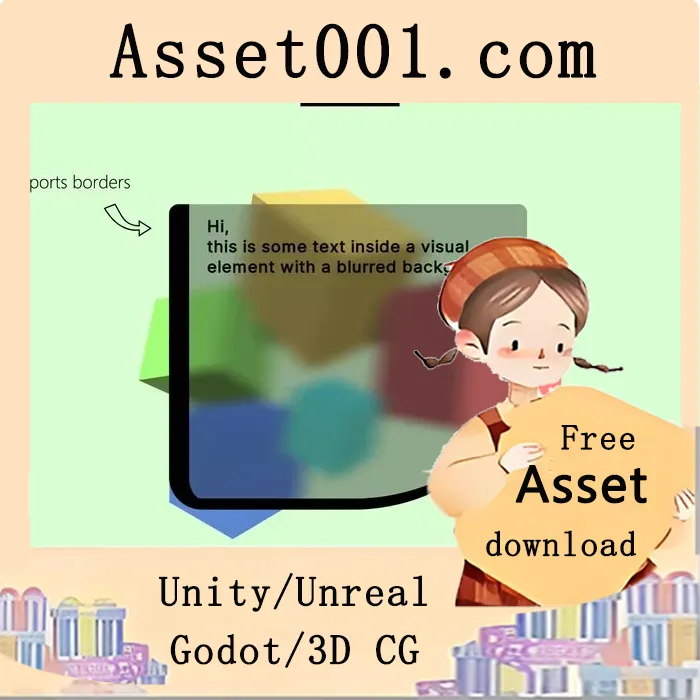
UI Toolkit Blurred Background - Fast Translucent UI Blur Image v1.4.2 (21 Apr 2026)
A lightweight, high-performance blur effect for Unity's UI Toolkit that adds a translucent blurred background to your UI elements. Designed for seamless integration, this asset enables smooth visual effects without requiring coding or complex setup. It supports all Unity render pipelines, including Built-In, URP, and HDRP, and works with both 2D and 3D scenes.
The blur effect is applied directly to UI elements and can be used to create a glass-like appearance by combining a low alpha tint with a bright background color. It operates efficiently by rendering the blur once per frame from the existing color buffer, resulting in minimal performance overhead regardless of UI size.
Key features include:
- No setup or coding required – simply add the UIToolkitBlurredBackground element via the UI Builder.
- Fully compatible with Unity 2021.2 and above, including Unity 6 (with Render Graph support).
- Multiple quality settings to adapt to performance and visual requirements.
- Mobile-optimized and ready for cross-platform deployment.
- Includes full source code for transparency and developer trust.
- Supports Unity 6.3+ with USS filters for UI-over-UI blurring, though scene content blur is limited to the asset itself in earlier versions.
- Works with Unity's new shader-based filters in 6.3+, enabling advanced blending effects when used in combination.
Important notes:
- This is a UI Toolkit asset and not compatible with UGUI or IMGUI. For UGUI blur, refer to the dedicated UGUI Blurred Background asset.
- No anti-aliasing for rounded corners (a known limitation in UI Toolkit).
- The asset assumes forward rendering; it may not function in deferred rendering setups.
- URP 2D projects are not officially supported, though limited test cases have shown success.
- HDR is not supported (only HDRP in terms of pipeline, not High Dynamic Range rendering).
- A "World Space" mode is supported in URP only, starting from Unity 2023.2+.
- The blur component is dynamically created at runtime and is not saved in the scene.
Usage:
1. Open the UI Builder window.
2. Navigate to Library > Project > Kamgam and add a new UIToolkitBlurredBackground element.
3. The effect is immediately active with no further configuration.
Tips:
- Use low resolution for highly blurred backgrounds to reduce resource usage.
- Set blur strength or iterations to 0 to disable the blur effect entirely.
- Keep blur iterations at 1 or lower for optimal performance.
- In Unity 6.3+, use a low blur value (e.g., 0.1) to enable filter effects on UI content, allowing full scene blurring when combined with filters.
Documentation and setup details are provided in the included manual, which includes screenshots and step-by-step guidance. For UI over UI blur functionality, manual configuration is required due to limitations in the current implementation.