Home Game Dev unreal资源 Unreal Engine Environments Udemy - Unity Vfx For Games: Create A Stylized Ground Slash Effect|Udemy - Unity Vfx For Games: Create A Stylized Ground Slash Effect

Udemy - Unity Vfx For Games: Create A Stylized Ground Slash Effect|Udemy - Unity Vfx For Games: Create A Stylized Ground Slash Effect

1593 Views Stock 996 2026-04-15

Details
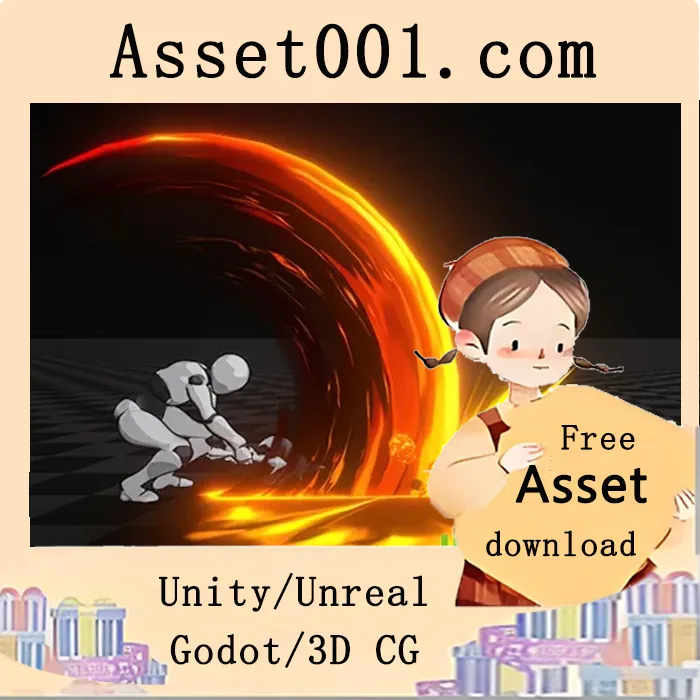
 Learn Unity VFX and create Shaders, Textures, and 3D models using Blender, Photoshop, and Substance Designer. In this course, you will learn how to create a complete stylized ground slash effect in Unity from start to finish. The full VFX workflow used in real-time games is covered, including modeling, texturing, shaders, and particle systems. You’ll learn how to: - Create stylized meshes in Blender - Build textures in Photoshop and Substance Designer - Use Shader Graph to control how your effects look and behave - Create and control particle systems in Unity - Combine multiple elements into one polished effect The effect is built step by step and broken down into three main parts: Slash, Impact, and Fire Wall. By the end of the course, you will have a complete, production-ready VFX effect and a strong understanding of how to build your own effects from scratch. This course is perfect for: - Beginners who want to get into game VFX - Unity developers who want to improve visuals - Artists who want to learn real-time effects No advanced experience is required — you’ll be guided through every step. You will also gain practical insights into optimizing effects for performance, organizing your workflow, and building a solid foundation for creating your own stylized VFX in future projects.